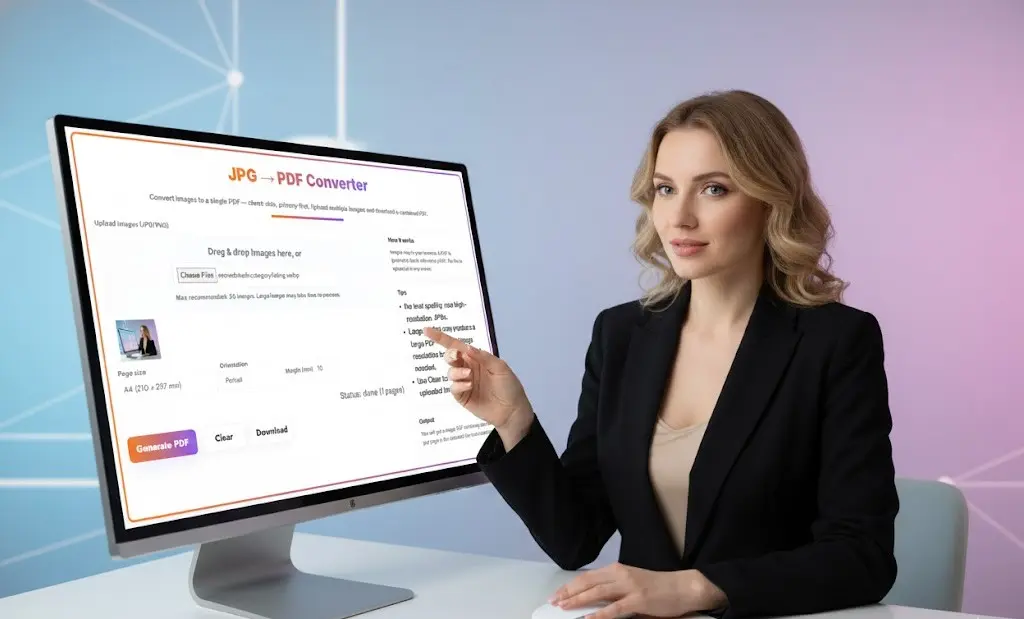
JPG to PDF Converter – Free Online Tool to Convert Images to PDF
Our JPG to PDF converter makes it easy to transform your images into professional PDF documents instantly. This free online JPG to PDF converter lets you upload multiple JPG, JPEG, and PNG files and combine them into a single, high-quality PDF without uploading files to any server. Convert JPG to PDF right in your browser with complete privacy and security.
JPG → PDF Converter
Why Use This JPG to PDF Converter?
100% Privacy-First JPG to PDF Conversion
Your images never leave your device. Unlike other JPG to PDF converters that upload files to remote servers, our tool processes everything locally in your browser using jsPDF technology. This JPG to PDF converter ensures complete privacy and security for your sensitive documents, photos, and images.
Key Features
Fast & Efficient Conversion Convert single or multiple images to PDF in seconds. Our tool supports batch processing, allowing you to upload up to 20 images and merge them into one convenient PDF document.
Multiple Format Support Works seamlessly with JPG, JPEG, and PNG image formats, making it versatile for all your conversion needs.
No Software Installation Access the converter instantly from any device with a web browser. No downloads, no installations, no hassle.
Completely Free Unlimited conversions with no hidden fees, watermarks, or registration requirements.
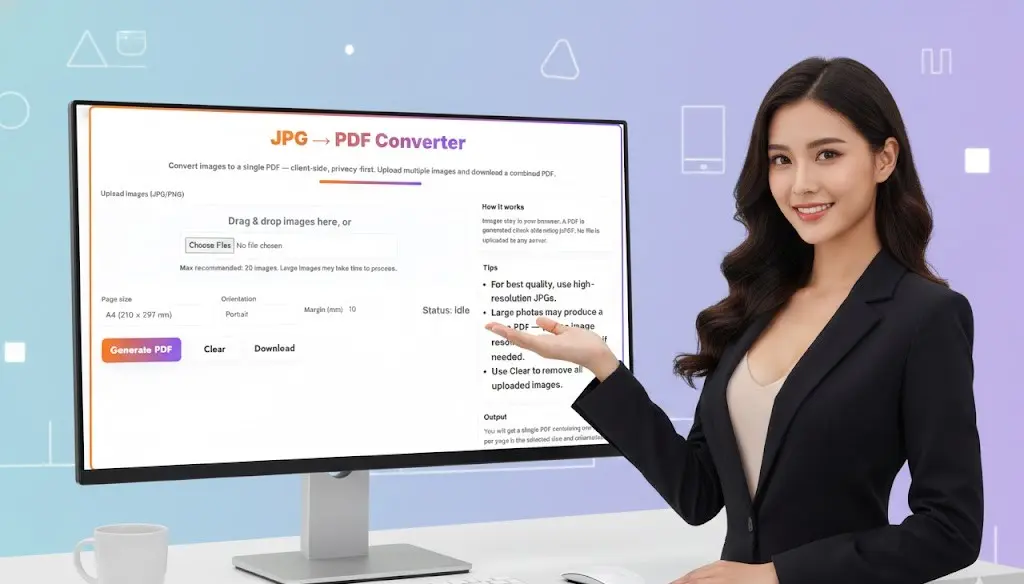
Customizable Output Choose your preferred page size (A4, Letter, etc.), orientation (Portrait or Landscape), and margin settings to create PDFs that match your exact specifications.
How to Convert JPG to PDF
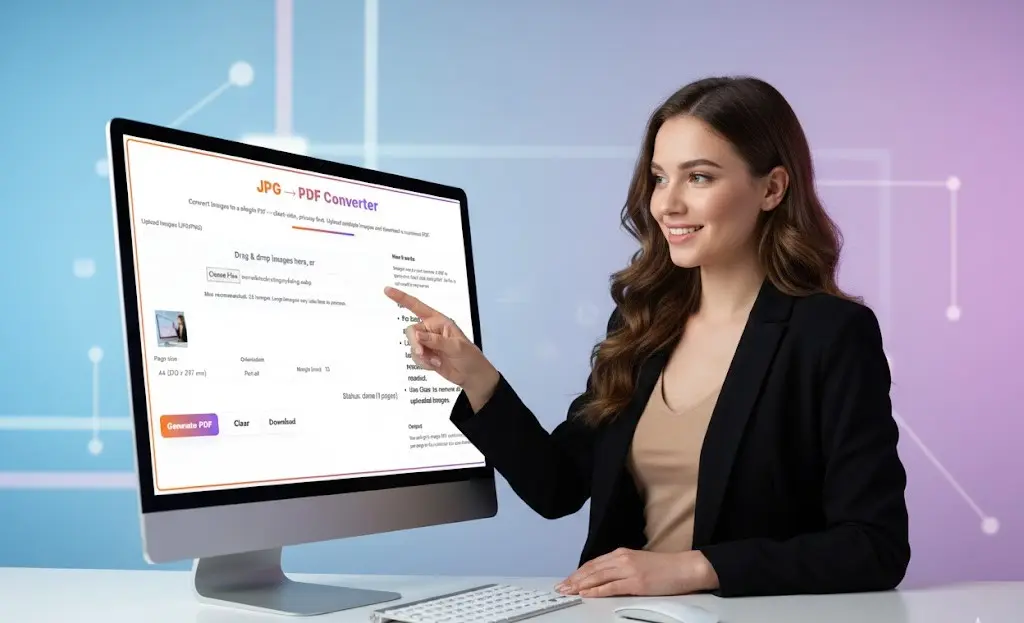
- Upload Your Images: Click “Choose Files” or drag and drop your JPG, JPEG, or PNG files into the upload area
- Arrange & Configure: Review your uploaded images and adjust page size, orientation, and margins as needed
- Generate PDF: Click the “Generate PDF” button to create your document client-side
- Download: Save your newly created PDF file to your device instantly
Common Use Cases
Business Documents Convert scanned receipts, business cards, invoices, and contracts into organized PDF files for easy storage and sharing.
Digital Photography Create PDF portfolios of your photography work, combine vacation photos into albums, or prepare images for printing.
Education & Research Compile screenshots, diagrams, and study materials into single PDF documents for easier note-taking and reference.
Real Estate & Property Convert property photos into professional PDF presentations for clients and listings.
E-commerce Create product catalogs by combining multiple product images into downloadable PDF brochures.
Tips for Best Results
- Use High-Resolution Images: For the best quality output, start with high-resolution JPG or PNG files
- Optimize Large Files: If your photos are very large (over 5MB each), consider reducing resolution before conversion to create smaller, more manageable PDFs
- Consistent Sizing: Use images with similar dimensions for a more professional-looking PDF document
- Test Settings: Experiment with different page sizes and orientations to find what works best for your content
Technical Specifications
- Maximum Images: 20 images per conversion
- Supported Formats: JPG, JPEG, PNG
- Page Sizes: A4, Letter, Legal, and custom sizes
- Orientations: Portrait and Landscape
- Technology: Client-side processing using jsPDF
- Browser Compatibility: Works on Chrome, Firefox, Safari, Edge, and all modern browsers
Why Convert Images to PDF?
PDF (Portable Document Format) is the universal standard for document sharing. Converting your images to PDF offers several advantages:
- Universal Compatibility: PDFs can be opened on any device without quality loss
- Professional Appearance: PDFs are the standard format for business and official documents
- Smaller File Sizes: Multiple images combined into one PDF are often smaller than sending individual files
- Easy Sharing: Email or share a single PDF file instead of multiple image attachments
- Print-Ready: PDFs maintain quality and formatting when printing
- Document Security: PDFs can be password-protected and encrypted (in PDF editing software)
Browser-Based Convenience
Our JPG to PDF converter is a progressive web application that works entirely in your browser. This means you can:
- Convert files on Windows, Mac, Linux, iOS, or Android devices
- Work offline after the initial page load
- Enjoy fast processing without internet upload/download delays
- Maintain complete control over your files and data
Get Started Now
Ready to convert your images to PDF? Simply upload your JPG or PNG files above and create your PDF in seconds. No sign-up required, completely free, and 100% private.
Frequently Asked Questions (FAQs) — JPG to PDF Converter
1. What does a JPG to PDF Converter do?
A JPG to PDF Converter combines one or more image files (JPG, PNG, JPEG) and turns them into a single PDF document. This allows you to store, share, or print your images in a standardized and professional format.
2. Is my image uploaded to any server during conversion?
No. Toolsuite’s JPG to PDF Converter works completely in your browser (client-side). Your images never leave your device, ensuring full privacy and security.
3. Can I merge multiple JPG images into a single PDF?
Yes. You can upload multiple images, arrange them in the order you want, and generate one combined PDF with all selected images.
4. What image formats are supported?
The tool supports JPG, JPEG, and PNG files. Most smartphone and camera images work perfectly.
5. Will the PDF quality be the same as my original photo?
Yes, the tool preserves your image quality. You can additionally control page size, orientation, and margins to achieve the best PDF output.
6. How do I reorder the images before making the PDF?
After uploading, simply drag and drop the thumbnails to rearrange them. The PDF will be created according to your chosen order.
7. Is there a file size limit for uploading images?
There is no strict limit. However, extremely large images (10–20 MB each) may take longer to process depending on your device and browser.
8. Can I download the generated PDF for free?
Yes. The tool is completely free. You can generate and download unlimited PDF files without login or subscription.
9. Will my PDF have any watermark?
No. Toolsuite does not add watermarks or branding to your converted PDF.
10. Does the tool work on mobile?
Yes. The JPG to PDF Converter is fully mobile-responsive and works smoothly on iOS and Android devices using modern browsers like Chrome and Safari.
11. Can I set page size like A4 or Letter?
Yes. You can choose between A4, Letter, or auto-fit depending on your requirements.
12. Can I use this tool to print photos as a PDF?
Absolutely. The generated PDF is print-ready. You can choose orientation (portrait or landscape) for better photo alignment.
13. Why should I convert JPG images to PDF?
Converting to PDF makes your images easier to share as a single file, reduces clutter, maintains layout consistency, and ensures compatibility across all devices.
14. Will this tool compress my images?
No, the tool preserves the original resolution. If you need compression, you can use Toolsuite’s Image Compressor or PDF Compressor after generating the PDF.
15. Is the converter safe for sensitive images?
Yes. Since the conversion happens locally in your browser and no data is uploaded, it is safe even for confidential documents or personal photos.
Related Tools and Directory
- Income Tax Calculator
- Tools Directory Overview
- Free Online tools Hub
- Finance & Tax Tools Hub
- Advance Tax Interest Calculator
- GST Calculator
- HRA Exemption Calculator
- TDS Deduction Estimator — Salary (Monthly Estimate)
- Income Tax Slab Comparison
- Gratuity Calculator
- EPF Contribution Calculator
- Simple EMI Calculator
- Advance Term Loan EMI Calculator
- Car Loan EMI Calculator
- Personal Loan EMI Calculator
- Home Loan EMi Calculator
- SIP Calculator
- SIP Goal Calculator
- CAGR Calculator
- XIRR Calculator
- SWP Calculator
- STP Calculator
- Free Lumpsum Investment Calculator: Maximize the Future Value
- CSV to JSON Converter
- QR Code Generator
- CSV to Excel Converter
- Base64 Encoder/Decoder
- Regex Tester
- JSON Formatter & Validator
- UUID Generator
- Strong Password Generator
- Lorem Ipsum Generator
- URL Encoder & Decoder
- HTML escape-unescaped tools
- Explore more tools for Finance & Tax and SEO on TaxBizmantra.com & CAMSROY.COM