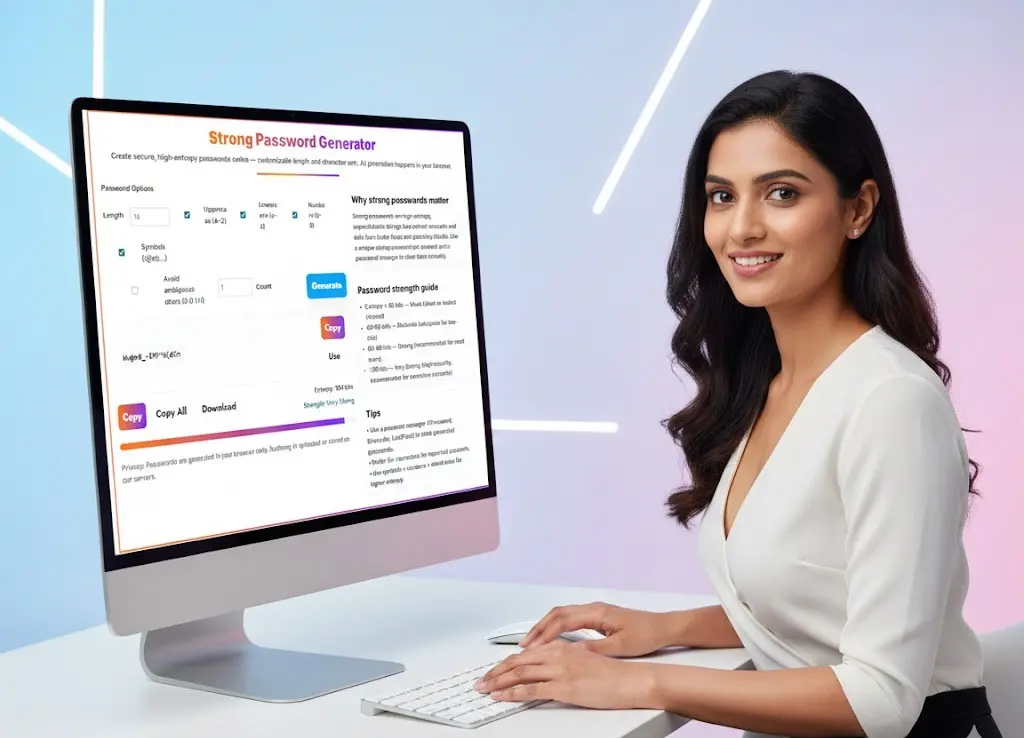
Password Generator – Create Strong & Secure Passwords Online
Generate random, secure passwords instantly for your accounts, apps, and websites.
Use this strong password generator to create highly secure, random passwords with customizable length and characters — fully browser-based and 100% private.
Want more tools, please explore our tools directory overview and free tools page categories.
Why Strong Passwords Matter More Than Ever
In today’s digital world, nearly everything—our money, identity, communication, work, and personal data—lives behind passwords. As cyber-attacks and credential theft continue to rise, the importance of using strong, unpredictable passwords has never been greater. A strong password is the first and strongest layer of defense against hackers, brute-force attacks, credential stuffing, and account takeovers.
This Strong Password Generator from Toolsuite.in helps you create high-entropy, secure passwords instantly. It is a fully browser-based tool, meaning your passwords are generated locally and never sent to any server. Whether you need a password for banking, email, social media, cloud storage, business systems, or developer tools, this generator produces safe, random, and unique passwords every time.
What Is a Strong Password?
A strong password is a long, complex, and unpredictable string of characters. It should be difficult for attackers to guess manually AND resistant to automated brute-force tools.
A truly strong password usually contains:
- Uppercase letters (A–Z)
- Lowercase letters (a–z)
- Numbers (0–9)
- Symbols (!@#$%^&*)
- A minimum length of 12–16 characters
- No dictionary words or predictable patterns
- Unique for every account
The longer and more diverse the character set, the harder it becomes to crack using brute-force or dictionary attacks.
Why You Should Never Use Weak or Reused Passwords
Many users still rely on passwords like password123, Welcome@123, January2024, or the same password reused across many websites. These are easily guessed and quickly cracked.
Here are major risks of weak or reused passwords:
✓ Brute-force attacks
Hackers use automated scripts that test millions of combinations per second. Short or predictable passwords fall instantly.
✓ Credential stuffing
If one website is breached, attackers try the same username/password combination across thousands of other platforms.
✓ Dictionary attacks
Passwords containing words, names, dates, or patterns can be cracked within seconds.
✓ Social engineering vulnerability
Personal details like birthdays, mobile numbers, pet names, or favorite sports teams can be guessed by looking at your social media.
✓ Financial and identity theft
Compromised passwords often lead to bank fraud, loan fraud, impersonation, or misuse of personal data.
A unique strong password for every account is the simplest and most effective protection.
Benefits of Using an Online Strong Password Generator
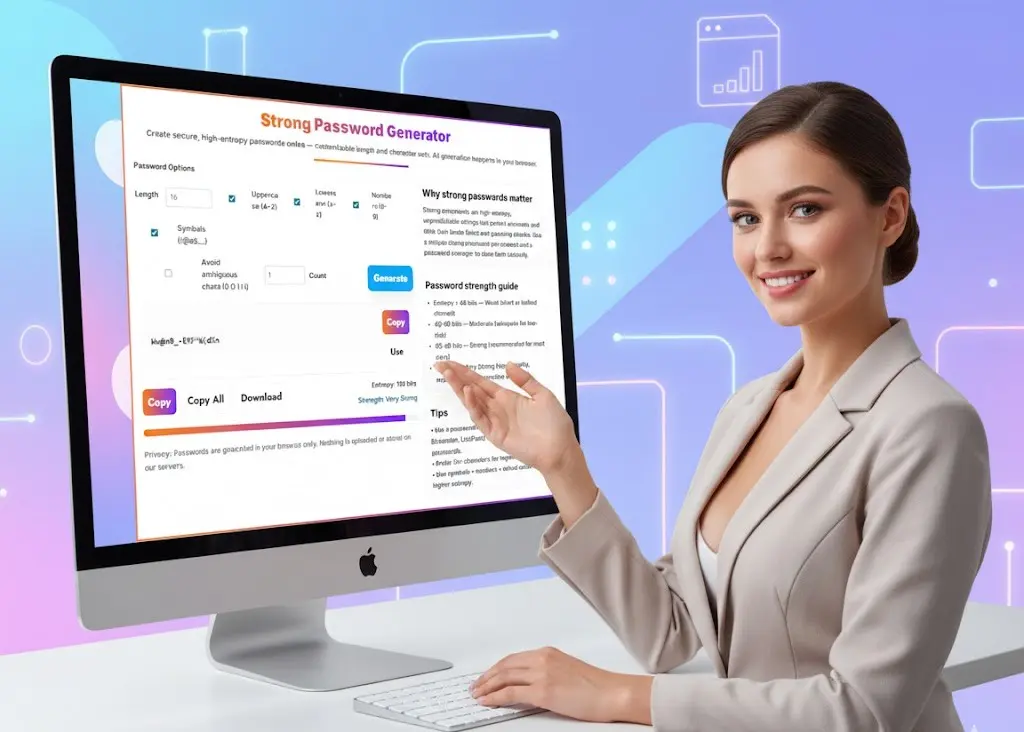
Toolsuite.in’s Strong Password Generator offers several advantages over manually creating passwords or relying on built-in browser suggestions.
1. Completely random & high-entropy
The tool uses a secure cryptographic random generator (crypto.getRandomValues()), producing unpredictable and unbiased passwords.
2. All generation happens locally
Unlike server-based generators, this tool keeps everything inside your browser.
No password ever leaves your device.
No data is uploaded, stored, or logged.
3. Customizable
You can choose:
- password length (8–64 characters)
- uppercase / lowercase
- numbers
- symbols
- avoid ambiguous characters (0, 1, l, O, i)
- number of passwords to generate in one batch
4. Professional strength meter
The built-in password strength meter calculates entropy and categorizes strength as:
- Weak
- Moderate
- Strong
- Very Strong
5. One-click copy & download
Easily copy a single password, all passwords, or download them as a text file.
6. Ideal for personal, corporate, and developer use
You can generate passwords for:
- banking
- social media
- admin accounts
- VPN logins
- cloud services
- server credentials
- database access keys
- API tokens
- Wi-Fi passwords
- password manager entries
How to Use the Strong Password Generator (Step-by-Step Guide)
Using this tool is simple even for beginners. Here’s how:
Step 1: Choose Your Password Length
A minimum of 16 characters is recommended for high-security accounts.
For extremely sensitive accounts like banking or admin portals, aim for 20+ characters.
Step 2: Select the Character Types You Want
For maximum security, keep all four toggles enabled:
- Uppercase
- Lowercase
- Numbers
- Symbols
Step 3: (Optional) Avoid Ambiguous Characters
Enabling this makes your password easier to read or manually type.
Step 4: Choose How Many Passwords You Need
You can generate one, five, or even twenty passwords at a time.
Step 5: Click “Generate”
Your passwords will appear instantly. You will also see:
- Entropy score
- Strength rating
- Buttons to copy, copy all, and download
Step 6: Store Your Password Safely
Use a password manager such as:
- Bitwarden
- 1Password
- LastPass
- Dashlane
These tools securely save all your passwords and autofill them when needed.
Understanding Password Strength: What Is Entropy?
Entropy represents how unpredictable a password is.
Higher entropy = stronger password.
Entropy is measured in bits:
- Less than 40 bits → Weak (easy to crack)
- 40–60 bits → Moderate
- 60–80 bits → Strong
- 80+ bits → Very Strong
Longer passwords with more character types significantly increase entropy.
Best Practices for Creating and Managing Strong Passwords
To stay secure online, follow these guidelines:
✓ 1. Use a password manager
This is essential. Password managers store, encrypt, and autofill strong passwords. You never have to remember them.
✓ 2. Never reuse passwords
Every account must have its own unique password. Reusing passwords is the biggest cause of hacking.
✓ 3. Don’t use personal information
Avoid:
- birthdays
- anniversaries
- names
- phone numbers
- favorite sports teams
- dictionary words
✓ 4. Prefer length over complexity
A 20-character simple password is stronger than an 8-character complex one.
✓ 5. Enable two-factor authentication (2FA)
Even with a strong password, adding 2FA provides another layer of protection.
✓ 6. Change passwords for compromised accounts
If you receive a breach alert, reset your password immediately.
Why Toolsuite.in’s Strong Password Generator Stands Out
100% client-side, fully secure
No tracking, no storage, no logs.
Built with developers & professionals in mind
Ideal for generating credentials for database servers, dev tools, SSH access, and admin dashboards.
Fast, clean, and lightweight design
Loads instantly, works offline, and provides an easy user experience.
Toolsuite brand UI
Gradient headings, clean cards, soft shadows, and modern layout consistent with other Toolsuite tools.
Accurate and safe entropy calculations
Strength ratings help users make informed decisions.
When Should You Use a Strong Password Generator?
Use this tool whenever you create or update:
- Banking account passwords
- Email or social media passwords
- Work login credentials
- VPN or remote access credentials
- Admin dashboard passwords
- Cloud and hosting accounts
- Database root passwords
- Wi-Fi router passwords
- API keys or secret tokens
- E-commerce or payment gateways
Essentially, any account that protects important information should use a strong, unique password.
Final Thoughts: Your Online Security Starts with a Strong Password
Password security is no longer optional. With attackers constantly scanning the internet for vulnerable accounts, using strong, unpredictable passwords is mandatory for personal and business safety.
The Strong Password Generator on Toolsuite.in gives you an easy, reliable, and secure way to create high-entropy, random passwords in seconds. Since everything runs on your device, your privacy is fully protected.
Use this tool every time you create a new account, update a password, or need secure credentials for work or development. A few seconds of effort today can prevent major cyber risks tomorrow.
Strong Password Generator — Frequently Asked Questions (FAQs)
1. What is a strong password generator?
A strong password generator is an online tool that creates long, complex, and unpredictable passwords using random characters. It helps users generate secure passwords that are resistant to hacking attempts such as brute-force attacks, dictionary attacks, and credential stuffing. Our strong password generator creates passwords locally in your browser, ensuring complete privacy and security.
2. Are the passwords generated by this tool safe?
Yes, completely. All passwords created using this strong password generator are generated inside your browser using a cryptographically secure random generator.
Nothing is uploaded, stored, logged, or sent to our servers — your passwords remain 100% private.
3. What makes a password strong?
A strong password typically includes:
- At least 12–16 characters
- A mix of uppercase and lowercase letters
- Numbers
- Symbols
- No dictionary words or personal information
- No predictable patterns
Longer passwords with diverse character sets have higher entropy, making them significantly harder to crack.
4. How does the password strength meter work?
The strength meter calculates password entropy — a mathematical measure of randomness. Higher entropy means a stronger password.
General entropy levels:
- Below 40 bits: Weak
- 40–60 bits: Moderate
- 60–80 bits: Strong
- Above 80 bits: Very Strong
Our strong password generator displays both entropy and the corresponding strength label.
5. Should every account have a unique password?
Yes. Using the same password across multiple websites is extremely risky. If one site is hacked, attackers use those leaked credentials to access other accounts.
Always use unique passwords for:
- Banking
- Social media
- Cloud storage
- Work accounts
This tool makes it easy to generate unique passwords for every login.
6. Can I customize the password format?
Absolutely. With this strong password generator, you can customize:
- Password length (8–64 characters)
- Use of uppercase/lowercase letters
- Inclusion of numbers
- Inclusion of symbols
- Removal of ambiguous characters (0, O, 1, l, i)
- Number of passwords to generate at once
This flexibility helps you meet specific website or system requirements.
7. Is it better to use long passwords or complex ones?
Length is the most important factor.
A simple 20-character password can be stronger than a short, highly complex one.
Ideally, combine both:
- Length (16–24 characters)
- Complexity (multiple character types)
This balance gives maximum protection against brute-force attacks.
8. Why should I use an online strong password generator instead of creating my own password?
Human-created passwords tend to follow patterns — names, dates, words, or predictable symbols.
Attackers rely on these common habits.
A strong password generator produces truly random, unbiased passwords with much higher entropy than human-generated ones. This significantly reduces the risk of guessing or cracking.
9. What is the best way to store strong passwords?
Use a secure password manager such as:
- Bitwarden
- 1Password
- LastPass
- Dashlane
Password managers encrypt your passwords and autofill them safely, so you never need to remember long strings.
10. Does this strong password generator work offline?
Yes. Once the page is loaded, password generation works even without internet because all processes run client-side in your browser. This ensures privacy and offline usability.
11. Can passwords generated by this tool be used for Wi-Fi, admin panels, or server credentials?
Yes. These passwords are suitable for:
- Wi-Fi networks
- SSH access
- cPanel and hosting logins
- Email servers
- Database credentials
- API keys and tokens
- Developer accounts
They are strong enough for personal, business, and enterprise applications.
12. Are generated passwords stored or tracked?
No. The tool does not store, transmit, or record any passwords.
Everything stays on your device. As soon as you close the page, the generated passwords disappear.
13. How long should a password be for maximum security?
For most online accounts, use 16–20 characters.
For administrator accounts, databases, or server access, use 20–32 characters.
The more sensitive the account, the longer the password should be.
14. Is this strong password generator free to use?
Yes, it is completely free — no sign-up, no downloads, no installation, and no limitations. Generate as many strong passwords as you need.
15. Can I generate multiple passwords at once?
Yes. You can generate 1, 5, 10, or even 20 passwords in one click. Use “Copy All” or “Download” to save them instantly.
Related Tools and Directory
- Income Tax Calculator
- Tools Directory Overview
- Free Online tools Hub
- CSV to JSON Converter
- QR Code Generator
- CSV to Excel Converter
- Base64 Encoder/Decoder
- Regex Tester
- JSON Formatter & Validator
- UUID Generator
- Free Age Calculator – Calculate Exact Age Instantly
- Explore more tools for Finance & Tax and SEO on TaxBizmantra.com & CAMSROY.COM