PDF Merge – Combine Multiple PDF Files into One Online Free
Our PDF merge tool is a powerful, free online solution that lets you combine multiple PDF files into a single document quickly and securely. Whether you need to merge PDF files for business reports, combine documents for submission, or join multiple PDFs into one organized file, this PDF merger processes everything client-side in your browser. Merge PDFs without uploading to any server, ensuring complete privacy and security for your sensitive documents while giving you full control over page order.
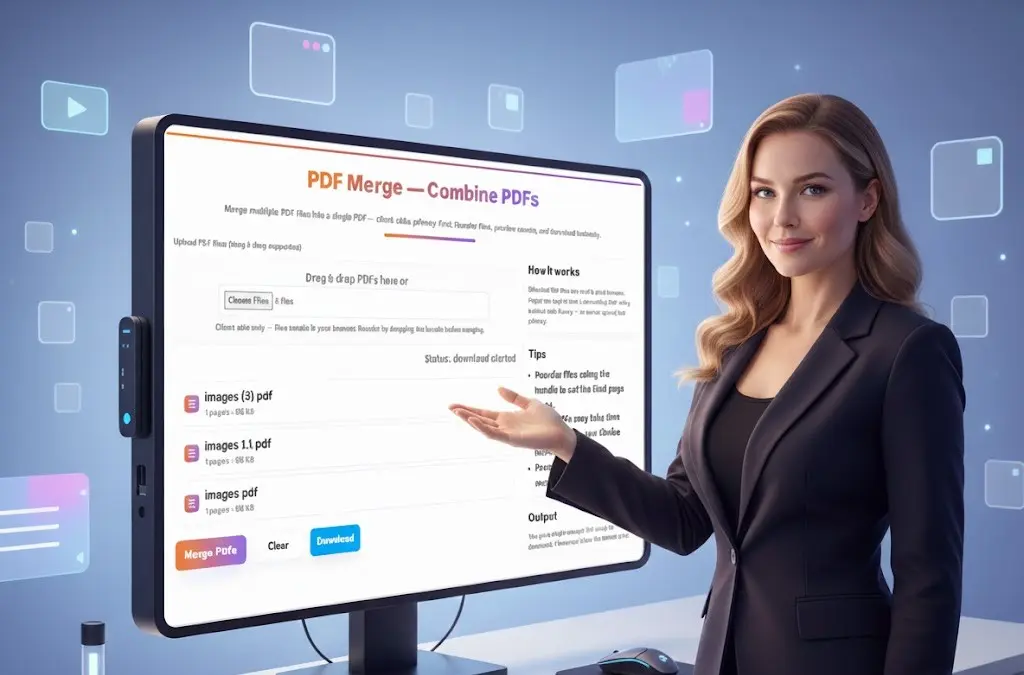
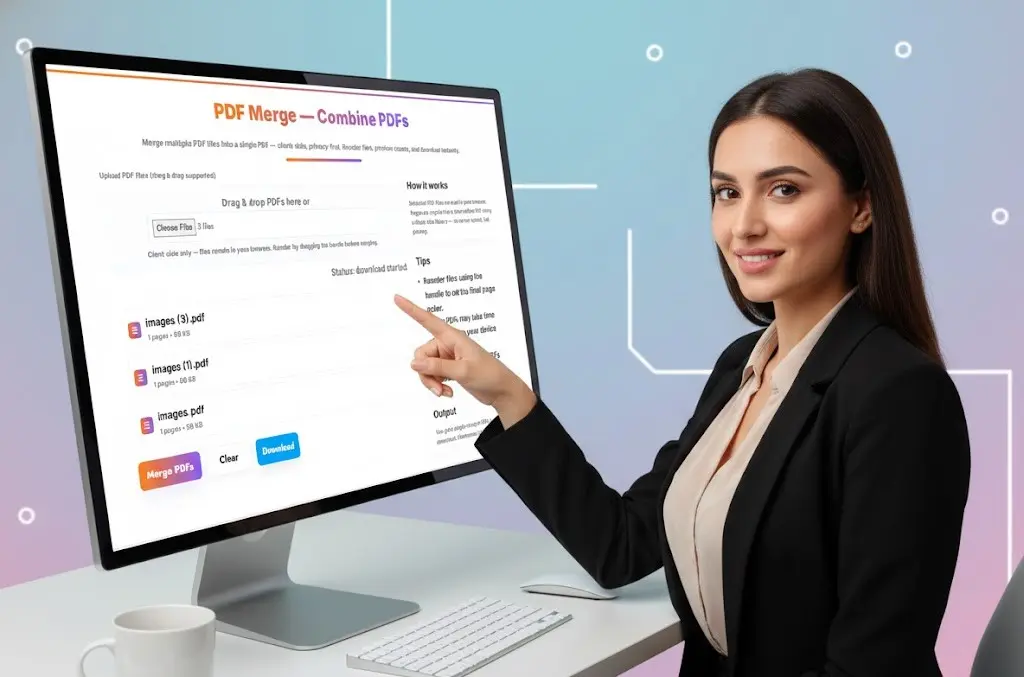
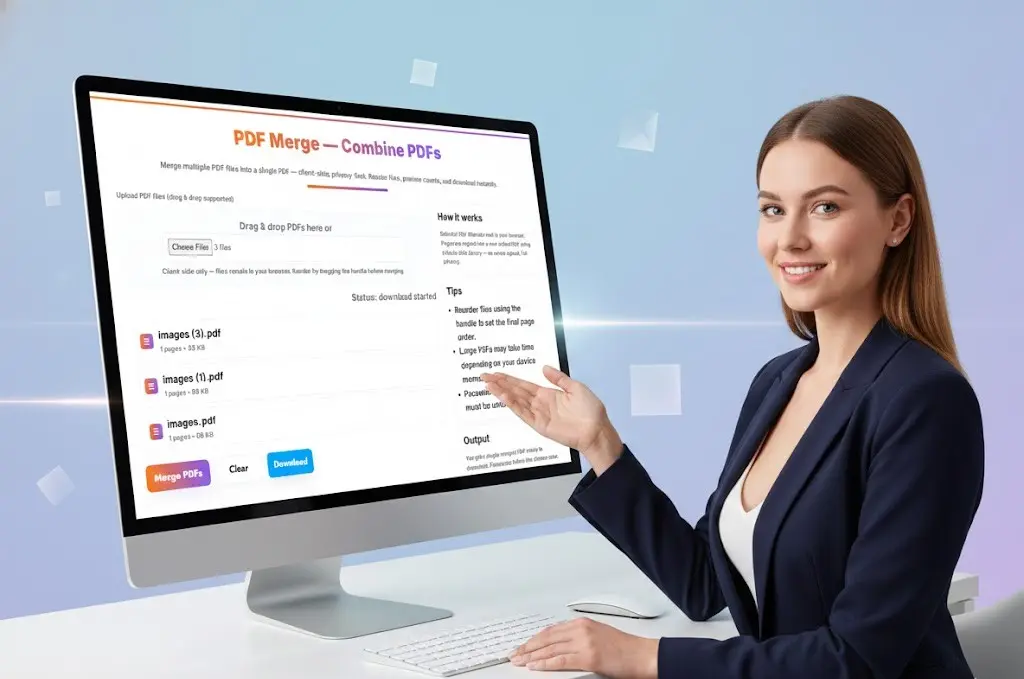
PDF Merge — Combine PDFs
Why Choose Our PDF Merge Tool?
100% Client-Side PDF Merging for Maximum Privacy
Unlike traditional online PDF merge tools that require uploading your files to remote servers, our PDF merger works entirely in your browser. When you combine PDF files using our tool, your documents never leave your device. This makes our PDF merge tool ideal for combining sensitive business documents, confidential reports, legal contracts, financial statements, and any PDFs you want to keep completely private and secure.
Key Features of Our PDF Merger Tool
Drag and Drop File Upload Easily upload multiple PDF files by dragging them directly into the upload area or clicking “Choose Files” to select documents from your device. Our PDF merge tool supports batch uploads, making it simple to combine many PDFs at once.
Flexible File Reordering Use the intuitive drag handle on each uploaded PDF to reorder files before merging. Arrange your PDFs in exactly the order you want them to appear in the final combined document. This gives you complete control over how pages are organized in the merged PDF.
Live Preview with Page Counts See the page count and file size for each uploaded PDF before merging. This helps you verify you’ve selected the correct documents and understand how large your final merged PDF will be.
Fast PDF Merging Process Our PDF merger uses advanced client-side libraries to quickly read and combine PDF files. Most merge operations complete in seconds, even when combining dozens of documents with hundreds of pages total.
No File Size or Page Limits Combine PDF files of any size without arbitrary restrictions. Whether you’re merging two small PDFs or combining fifty large documents into one massive file, our tool handles it all without limitations.
Preserve Original Quality When you merge PDF files with our tool, all pages are copied exactly as they appear in the original documents. No compression, no quality loss, no changes to formatting or content. The merged PDF maintains perfect fidelity to your source files.
Download Single Merged PDF After combining PDFs, download one unified document containing all pages from all files in your specified order. The filename reflects the final page order you chose, making it easy to identify your merged document.
100% Free PDF Merge Combine unlimited PDF files with no costs, subscriptions, or hidden fees. Our PDF merger is completely free to use with no watermarks, advertisements, or branding added to your merged PDFs.
No Software Installation Required This web-based PDF merge tool works instantly in any modern browser. No need to download software, install applications, or keep programs updated. Just upload your PDFs and merge them immediately.
Works on All Devices Merge PDF files on Windows computers, Mac laptops, Linux systems, Chromebooks, tablets, and smartphones. Our PDF merger is fully responsive and works perfectly on devices of all sizes.
How to Merge PDF Files Online
Step-by-Step Guide to Combining Multiple PDFs
Step 1: Upload Your PDF Files Click “Choose Files” or drag and drop multiple PDF documents into the upload area. You can upload as many PDF files as you need to merge into one document. The tool supports standard PDF files of any size.
Step 2: Review Uploaded PDFs After uploading, you’ll see a list of all your PDFs with page counts and file sizes. Verify that you’ve uploaded all the documents you want to combine and that they’re the correct files.
Step 3: Reorder PDFs (Optional) Use the drag handle next to each PDF to reorder files. Drag files up or down to arrange them in the exact sequence you want pages to appear in the final merged document. This step is crucial for creating a properly organized combined PDF.
Step 4: Merge Your PDFs Click the “Merge PDFs” button to begin the combining process. Our tool will read each PDF in order, copy all pages into a new unified document, and prepare it for download.
Step 5: Download Merged PDF Once merging is complete, click “Download” to save your combined PDF file. The merged document will contain all pages from all files in the order you specified.
Step 6: Clear and Start Again Use the “Clear” button to remove all uploaded PDFs and start a new merge operation if needed.
Common Use Cases for Merging PDF Files
Business and Professional Applications
Combine Business Reports Merge multiple department reports, financial statements, or analysis documents into one comprehensive business report. Combining PDFs makes it easier to distribute complete information packages to executives, board members, or stakeholders.
Create Complete Proposals Combine cover letters, project proposals, pricing sheets, terms and conditions, and supporting documents into one professional proposal package. Merging PDFs ensures clients receive all necessary information in a single, easy-to-navigate document.
Consolidate Contracts and Agreements Join multiple contract pages, addendums, exhibits, and signature pages into one complete legal document. Our PDF merge tool helps ensure all contract components stay together and are viewed in the correct order.
Assemble Employee Documentation Human resources departments can merge offer letters, employment agreements, benefits information, and company policies into comprehensive new hire packets. Combining PDFs streamlines onboarding documentation.
Compile Meeting Materials Merge agendas, presentation slides, handouts, and reference materials into one meeting packet. Distributing a single merged PDF ensures all attendees have complete information and can follow along easily.
Academic and Educational Uses
Submit Complete Assignments Students can combine multiple assignment components, essays, research papers, data tables, and appendices into one submission. Many educational portals require single-file submissions, making PDF merging essential.
Create Study Guides Merge lecture notes from different sessions, textbook excerpts, practice problems, and review materials into comprehensive study guides. Combined PDFs help students organize information and study more efficiently.
Compile Research Papers Academic researchers can combine abstracts, methodology sections, data analysis, results, conclusions, and references from multiple documents into complete research papers ready for publication or peer review.
Assemble Course Materials Educators can merge syllabi, reading lists, assignment instructions, and supplementary materials into complete course packets for students. Single merged PDFs are easier to distribute and manage.
Legal and Financial Applications
Combine Legal Documents Law firms can merge pleadings, exhibits, discovery documents, and supporting materials into complete court filings. Our PDF merger ensures all required documents are included in proper order for legal submissions.
Consolidate Financial Records Merge bank statements, investment reports, tax documents, and receipts into organized financial records. Combined PDFs make it easier to maintain complete financial documentation for tax purposes or audits.
Create Loan Packages Combine income verification, bank statements, tax returns, and supporting documents into complete mortgage or loan application packages. Merged PDFs simplify the application process and ensure lenders receive all required documentation.
Personal and Home Use
Merge Travel Documents Combine flight confirmations, hotel reservations, rental car agreements, and itineraries into one travel packet. A single merged PDF keeps all trip information organized and easily accessible on mobile devices.
Consolidate Medical Records Merge test results, doctor’s notes, prescription information, and insurance documents into complete medical history files. Combined PDFs help patients maintain organized health records.
Create Recipe Collections Combine favorite recipe PDFs, cooking instructions, and meal plans into personalized cookbook PDFs. Merged documents are easier to reference while cooking.
Assemble Home Documentation Merge appliance manuals, warranty information, purchase receipts, and home improvement records into complete home documentation files. Combined PDFs help homeowners stay organized.
Technical Details and How PDF Merging Works
Understanding the PDF Merge Process
Our PDF merge tool uses a sophisticated client-side process to combine documents:
PDF Reading: Each uploaded PDF is read and parsed using PDF-LIB, a powerful JavaScript library that can manipulate PDF documents entirely in the browser.
Page Extraction: All pages from each PDF are extracted while preserving their exact content, formatting, fonts, images, and metadata.
Document Assembly: Pages from all PDFs are copied into a new PDF document in the order you specified during the reordering step.
Metadata Preservation: Important PDF metadata like creation dates, authors, and document properties are maintained where possible in the merged document.
File Generation: The new unified PDF is generated in your browser and made available for download as a single file.
This entire process happens locally on your device without any server communication, ensuring complete privacy and security.
File Reordering Technology
The drag-and-drop reordering interface allows you to arrange PDFs by simply grabbing the handle next to each file and dragging it to a new position. This visual approach makes it easy to organize documents logically before merging. The final merged PDF will contain all pages in the exact order your files appear in the list when you click “Merge PDFs.”
Browser-Based Processing Benefits
Processing PDF merges client-side in your browser offers several advantages:
Complete Privacy: Your documents never leave your device, ensuring confidential information stays secure.
No Upload Time: Because files aren’t uploaded to servers, there’s no waiting for uploads to complete before processing begins.
No Storage Concerns: Your PDFs aren’t stored on any server, eliminating concerns about data retention or unauthorized access.
Works Offline: After initial page load, the PDF merge tool can function even without an internet connection.
Benefits of Combining PDF Files
Why Merge Multiple PDFs into One Document
Simplified Distribution Sending one merged PDF is much easier than emailing multiple attachments. Recipients receive all information in a single download without worrying about missing files or confused attachment orders.
Better Organization Combined PDFs keep related information together in a logical sequence. Readers can navigate through one document instead of switching between multiple files.
Professional Presentation Delivering a single, well-organized merged PDF appears more professional than sending scattered individual files. This is especially important for business proposals, client presentations, and official submissions.
Easier Archiving Storing one merged PDF per project or topic is more efficient than managing dozens of separate files. Merged documents are easier to name, categorize, and retrieve from archives or document management systems.
Reduced File Management Working with one merged PDF instead of many separate files reduces clutter, simplifies version control, and makes it easier to track which documents have been shared or reviewed.
Improved Printing Printing one merged PDF is more efficient than printing multiple files separately. Users can print entire document sets with a single print command.
Better Mobile Experience Mobile device users find it easier to view one merged PDF rather than switching between multiple files. Merged documents provide better reading continuity on smartphones and tablets.
Privacy and Security Features
Your Files Remain Private and Secure
Our PDF merge tool processes all files entirely in your web browser using JavaScript. This means your PDF files are never uploaded to our servers or transmitted to any third-party services. Your documents remain on your device throughout the entire merging process, ensuring complete privacy and security.
Ideal for Confidential Documents
Because merging happens client-side, our tool is perfect for combining sensitive PDFs including:
- Confidential business reports and financial statements
- Legal contracts, agreements, and court documents
- Medical records and patient information
- Tax returns and personal financial documents
- Proprietary research and intellectual property
- Personnel files and employee records
- Government documents requiring controlled access
No Data Collection or Tracking
We don’t collect, store, analyze, or track any information about your PDF files. The documents you merge, their contents, filenames, and metadata remain completely private. We have no way to access or view your files.
No Account Required
Start merging PDF files immediately without creating an account, providing an email address, or sharing any personal information. No registration, no login, no data entry required.
Important Tips for Successful PDF Merging
Best Practices When Combining PDFs
Check File Names Before Uploading Use descriptive filenames for your source PDFs to make reordering easier. Well-named files help you quickly identify and arrange documents in the correct order.
Verify Page Counts Review the page count displayed for each uploaded PDF to confirm you’ve selected complete documents. This helps catch cases where you’ve accidentally uploaded incomplete or wrong files.
Test Merge Order with Small Files First If you’re combining many PDFs and are unsure about the final order, consider testing with smaller sample files first to verify the sequence works as intended.
Keep Original Files Always maintain backups of your original PDF files. While our merge tool preserves content exactly, having originals ensures you can remake merged documents if needed.
Consider File Size When merging many large PDFs, be aware that the combined file size will equal the sum of all source files. Very large merged PDFs (100MB+) may be difficult to email or upload to some systems.
Unlock Password-Protected PDFs First If any of your PDFs are password-protected, you must open and unlock them before they can be merged. Our tool cannot process encrypted PDFs that haven’t been unlocked.
Preview Merged PDF After downloading your merged PDF, open it to verify that all pages appear in the correct order and that content from all source files is present.
Browser Compatibility and System Requirements
Our PDF merge tool works on all modern web browsers and operating systems:
Supported Browsers: Google Chrome (recommended), Mozilla Firefox, Apple Safari, Microsoft Edge, Opera, Brave, and other Chromium-based browsers.
Device Compatibility: Windows PCs, Mac computers, Linux systems, Chromebooks, Android tablets and smartphones, iPhones and iPads.
System Requirements: Modern browser with JavaScript enabled, sufficient RAM for processing large PDFs (4GB+ recommended for merging very large files), storage space for downloading merged PDF.
Performance Considerations: Merging speed depends on the total number of pages, file sizes, and your device’s processing power. Most merge operations complete in seconds, though combining hundreds of pages may take longer.
Start Merging PDF Files Now
Ready to combine multiple PDF files into one organized document? Upload your PDFs above and experience the fastest, most secure way to merge documents with complete privacy. No registration, no watermarks, completely free, and 100% client-side processing. Whether you need to merge two PDFs or combine dozens of documents into one comprehensive file, our powerful browser-based PDF merger handles all your document combining needs with ease and security.
PDF Merge – Frequently Asked Questions (FAQs)
1. What does a PDF Merge tool do?
A PDF Merge tool lets you combine multiple PDF files into a single, organized document. You can upload several PDFs and merge them into one file without losing formatting, layout, or quality.
2. Is it safe to merge my PDFs online?
Yes. Toolsuite’s PDF Merge tool works 100% client-side, meaning your files never leave your browser. No uploads, no servers — everything happens locally on your device, ensuring full privacy.
3. Will merging PDFs change the quality or formatting?
No. The tool preserves your original PDF quality, fonts, margins, and formatting. All pages are added exactly as they are in the final merged document.
4. How many PDF files can I merge at once?
You can merge as many PDFs as your browser can handle. For smooth performance, we recommend merging up to 20–30 PDFs at one time, depending on file size.
5. Can I rearrange the order of PDFs before merging?
Yes. You can reorder the PDFs before merging by simply sorting or re-uploading them in your preferred sequence. The merged output will follow your final order.
6. Will the merged PDF be large in size?
The file size depends on the total number of pages and how image-heavy your PDFs are. After merging, you can use Toolsuite’s PDF Compressor to reduce the final file size.
7. Do I need to install any software to merge PDFs?
Not at all. This tool works entirely in the browser. No downloads, plugins, or extensions required — fast, secure, and device-friendly.
8. Can I merge password-protected PDFs?
You can merge them only if you know the correct password. Unlock the file first, then upload it for merging.
9. Does the tool work on mobile devices?
Yes. Toolsuite’s PDF Merge tool is mobile-friendly and works on phones, tablets, laptops, and desktops, with no installation required.
10. Is this PDF Merge tool free to use?
Yes. It is completely free with no watermarks, no limits, and no sign-up required.
Related Tools and Directory
- Income Tax Calculator
- Tools Directory Overview
- Free Online tools Hub
- Finance & Tax Tools Hub
- Advance Tax Interest Calculator
- GST Calculator
- HRA Exemption Calculator
- TDS Deduction Estimator — Salary (Monthly Estimate)
- Income Tax Slab Comparison
- Gratuity Calculator
- EPF Contribution Calculator
- Simple EMI Calculator
- Advance Term Loan EMI Calculator
- Car Loan EMI Calculator
- Personal Loan EMI Calculator
- Home Loan EMi Calculator
- SIP Calculator
- SIP Goal Calculator
- CAGR Calculator
- XIRR Calculator
- SWP Calculator
- STP Calculator
- Free Lumpsum Investment Calculator: Maximize the Future Value
- CSV to JSON Converter
- QR Code Generator
- CSV to Excel Converter
- Base64 Encoder/Decoder
- Regex Tester
- JSON Formatter & Validator
- UUID Generator
- Strong Password Generator
- Lorem Ipsum Generator
- URL Encoder & Decoder
- HTML escape-unescaped tools
- JPG to PDF Converter
- PDF to JPG Converter
- PDF Compressor
- Explore more tools for Finance & Tax and SEO on TaxBizmantra.com & CAMSROY.COM