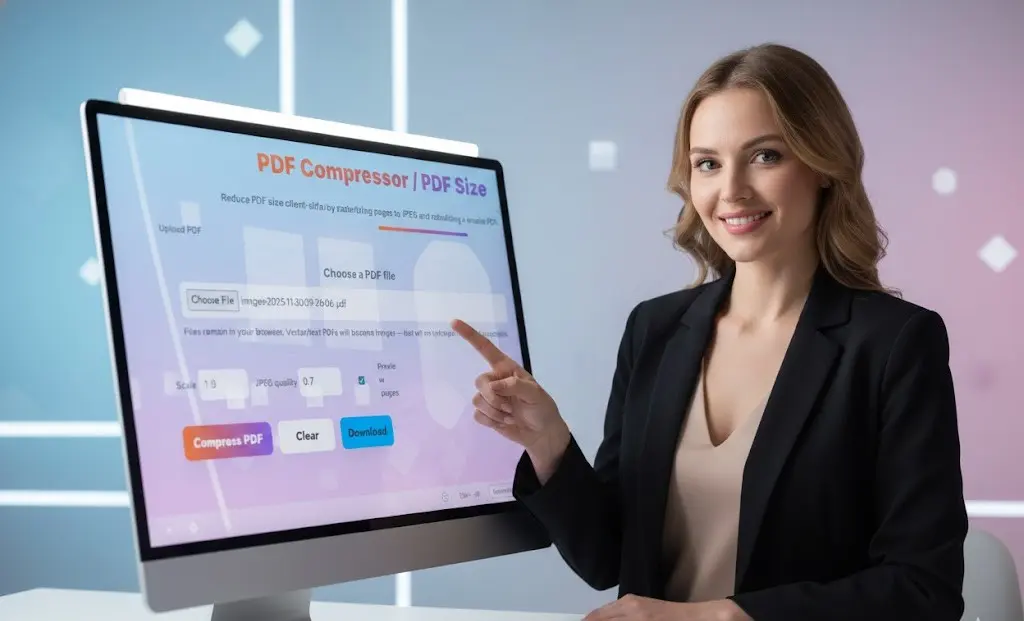
PDF Compressor – Reduce PDF File Size Online Free
Our PDF compressor is a powerful online tool designed to reduce PDF file size quickly and efficiently. Whether you need to compress PDF files for email attachments, web uploads, or storage optimization, this free PDF compressor tool processes everything client-side in your browser. Reduce PDF size by converting pages to optimized JPEG images and rebuilding a smaller PDF document, all while maintaining visual quality and ensuring complete privacy.
PDF Compressor / Reduce PDF Size
Why Use Our PDF Compressor Tool?
Client-Side PDF Compression for Maximum Privacy
Unlike traditional online PDF compressors that upload your files to remote servers, our PDF compressor works entirely in your browser. When you compress PDF files using our tool, your documents never leave your device. This makes our PDF file size reducer ideal for compressing sensitive business documents, confidential reports, personal files, and any PDF you want to keep private.
Key Features of Our PDF File Compressor
- Adjustable Compression Settings Control exactly how much you want to reduce PDF size with customizable JPEG quality (0.6-0.8 recommended) and scale settings (0.8-1.0 starting point). Lower settings create smaller files, while higher settings preserve more detail and clarity.
- Fast PDF Compression Our PDF compressor uses advanced rendering technology to quickly convert PDF pages to optimized images and rebuild them into a compressed PDF. Most files are compressed in seconds, even multi-page documents.
- No File Size Limits Compress PDF files of any size without arbitrary restrictions. Whether you need to reduce a small 2MB PDF or compress a large 50MB document, our tool handles files of all sizes.
- Maintain Visual Quality Our compression algorithm is specifically optimized for image-heavy and scanned PDFs. The PDF compressor preserves visual appearance while significantly reducing file size, making it perfect for photo-heavy documents and scanned pages.
- Preview Before Download Enable the preview option to see exactly how many pages your PDF contains before compression. This helps you verify you’re compressing the correct document.
- 100% Free PDF Compression Compress unlimited PDF files with no costs, subscriptions, or hidden fees. Our PDF file size reducer is completely free to use with no watermarks added to your compressed PDFs.
- No Software Installation This web-based PDF compressor works instantly in any modern browser. No need to download software, install applications, or update programs. Just upload and compress PDF files immediately.
How to Compress PDF Files Online
Step-by-Step Guide to Reduce PDF File Size
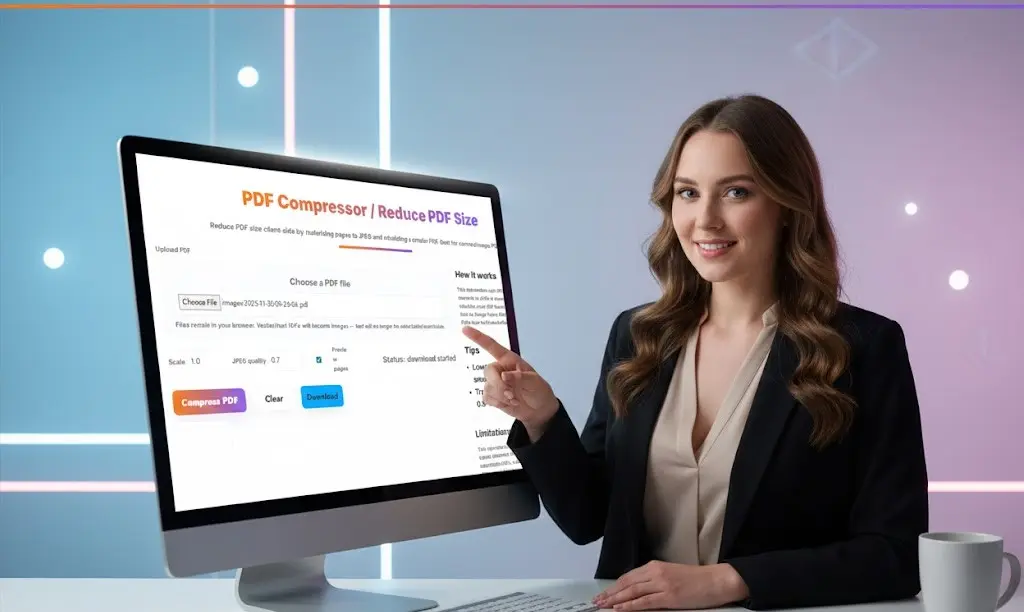
Step 1: Upload Your PDF File Click “Choose File” to select the PDF document you want to compress. Our PDF compressor accepts all standard PDF files, including scanned documents, image-heavy PDFs, and multi-page files.
Step 2: Adjust Compression Settings Set your desired JPEG quality (0.7 is recommended for balanced compression) and scale (1.0 works well for most files). Lower values reduce PDF size more aggressively but may decrease image clarity.
Step 3: Enable Preview (Optional) Check the “Preview pages” box if you want to verify the page count before compression. This is useful for confirming you’ve uploaded the correct document.
Step 4: Compress Your PDF Click the “Compress PDF” button to start the compression process. Our tool will render each page, optimize the images, and rebuild a smaller PDF file.
Step 5: Download Compressed PDF Once compression is complete, click “Download” to save your reduced-size PDF file. Compare the file size to see how much space you’ve saved.
When to Use a PDF Compressor
Common Scenarios for PDF File Size Reduction
- Email Attachment Size Limits Most email services limit attachment sizes to 10-25MB. If your PDF exceeds these limits, use our PDF compressor to reduce file size and send documents via email without restrictions.
- Website Upload Requirements Many websites, content management systems, and online forms have strict file size limits. Compress PDF files before uploading to ensure they meet size requirements for job applications, school portals, and government websites.
- Cloud Storage Optimization Save valuable cloud storage space by compressing PDF files before uploading to Google Drive, Dropbox, OneDrive, or other cloud services. Smaller files mean more documents fit in your storage quota.
- Faster File Transfers Reduce PDF size to speed up file transfers, downloads, and uploads. Compressed PDFs transfer faster over slow internet connections and mobile networks.
- Archive Large Document Collections If you maintain archives of scanned documents, reports, or records, compressing PDF files can reduce storage requirements by 50-80%, making it easier to manage large document libraries.
- Mobile Device Storage Smartphones and tablets have limited storage capacity. Compress PDF files before storing them on mobile devices to maximize available space for other apps and media.
Understanding PDF Compression Settings
JPEG Quality Settings for PDF Compression
The JPEG quality setting directly controls how much you reduce PDF size and affects image clarity:
- Quality 0.5-0.6: Maximum compression, smallest files, noticeable quality reduction. Best for temporary files or when extreme size reduction is required.
- Quality 0.7 (Recommended): Balanced compression that significantly reduces PDF size while maintaining good visual quality. Ideal for most scanned documents and image-heavy PDFs.
- Quality 0.8: Moderate compression with high visual quality. Good for PDFs that need to look professional while still reducing file size substantially.
- Quality 0.9-1.0: Minimal compression, largest files, maximum quality. Use only when file size is less critical than preserving every detail.
Scale Settings for PDF Compression
The scale parameter affects the resolution of compressed pages:
Scale 0.8: Reduces both resolution and file size. Good for PDFs that will only be viewed on screens.
Scale 1.0 (Recommended): Maintains reasonable resolution while still providing good compression. Works well for most documents.
Scale 1.2-1.5: Higher resolution output, less compression. Use when print quality is important.
How Our PDF Compression Works
Our PDF compressor uses a three-step process to reduce file size:
- Rendering: Each PDF page is rendered to an HTML5 canvas using pdf.js at your specified scale setting.
- Image Optimization: The rendered pages are converted to JPEG images with your chosen quality setting, optimizing for smaller file sizes.
- PDF Rebuilding: The optimized images are assembled into a new PDF document, resulting in a significantly smaller file size.
This approach is particularly effective for scanned PDFs and image-heavy documents, where compression can reduce file sizes by 60-90%.
Benefits of Compressing PDF Files
Why You Should Reduce PDF File Size
- Faster Email Delivery Smaller PDF files send faster through email and are less likely to be rejected by mail servers with attachment size limits.
- Improved Website Performance Compressed PDFs load faster on websites, improving user experience and reducing bandwidth costs for website owners.
- Better Mobile Experience Mobile users benefit from smaller PDF files that download quickly over cellular connections and consume less device storage.
- Storage Cost Savings Organizations can reduce cloud storage costs by compressing PDF archives, especially for large document management systems with thousands of files.
- Easier Collaboration Sharing compressed PDFs is easier through messaging apps, collaboration platforms, and file sharing services that have upload size restrictions.
- Regulatory Compliance Some industries and government agencies specify maximum file sizes for electronic submissions. Our PDF compressor helps ensure compliance with these requirements.
Privacy and Security Features
Your Files Never Leave Your Device
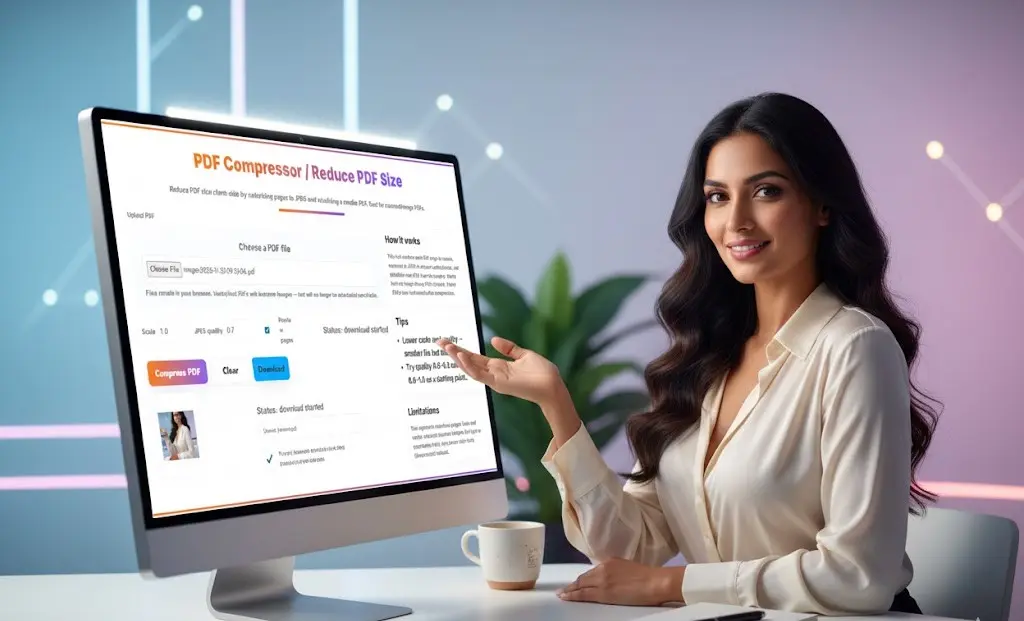
Our PDF compressor processes all files locally in your browser using JavaScript. This means your PDF files are never uploaded to our servers or any third-party services. Your documents remain 100% private and secure throughout the compression process.
Ideal for Confidential Documents
Because compression happens client-side, our tool is perfect for reducing the size of sensitive PDFs including medical records, legal contracts, financial statements, tax documents, business plans, personnel files, and classified information.
No Registration Required
Start compressing PDF files immediately without creating an account or providing personal information. No email address, no password, no data collection of any kind.
Important Limitations to Consider
When NOT to Use This PDF Compressor
- Text-Heavy PDFs Our compression method rasterizes pages, converting them to images. This means text in the compressed PDF cannot be selected, copied, or searched. If you need searchable text or selectable content, use server-side compression tools like Ghostscript instead.
- Vector Graphics and Diagrams PDFs containing vector graphics, technical drawings, or scalable diagrams will be converted to raster images. The compressed PDF will lose the ability to scale infinitely without quality loss.
- Legal or Archival Documents For legal documents that require text searchability or long-term archival with full fidelity, consider alternative compression methods that preserve the original PDF structure.
- Forms and Interactive Elements PDF forms with fillable fields, buttons, and interactive elements will lose functionality after compression. The compressed PDF will be image-based only.
Tips for Best Compression Results
- Start with Recommended Settings Begin with JPEG quality 0.7 and scale 1.0. These settings provide excellent compression while maintaining good visual quality for most documents.
- Test Different Settings If the first compression doesn’t meet your needs, try adjusting the quality and scale values. Lower settings reduce file size more aggressively.
- Compare File Sizes After compression, compare the original and compressed file sizes to verify the reduction meets your requirements.
- Keep Original Files Always keep your original PDF as a backup. Compression is lossy, and you cannot restore quality once reduced.
- Consider Your Use Case Choose settings based on how the PDF will be used. Screen viewing tolerates more compression than printed documents.
Browser Compatibility
Our PDF compressor works on all modern browsers including Chrome, Firefox, Safari, Edge, and Opera. Compatible with Windows, Mac, Linux, Android, and iOS devices. Requires JavaScript enabled and sufficient memory for processing large files.
Start Compressing PDF Files Now
Ready to reduce PDF file size and create smaller, more manageable documents? Upload your PDF above and experience fast, secure, client-side compression with complete privacy. No registration, no watermarks, completely free. Whether you need to compress PDF files for email, web uploads, or storage optimization, our tool delivers excellent results in seconds.
Frequently Asked Questions — PDF Compressor
1. What does a PDF Compressor do?
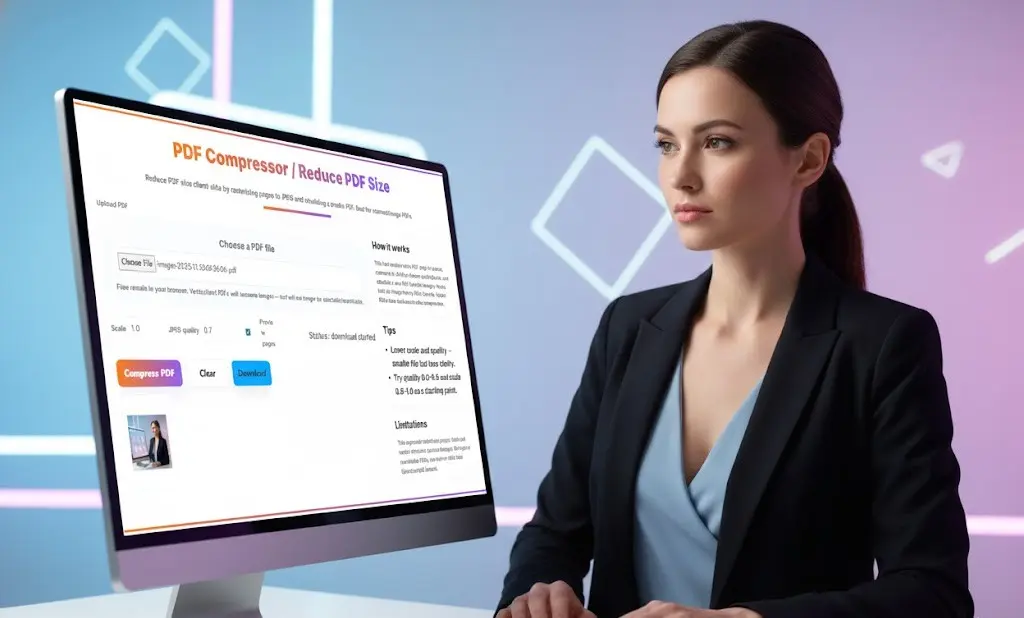
A PDF Compressor reduces the file size of your PDF by optimising images, removing unnecessary data, and compressing embedded elements — all while keeping the document readable.
2. Will compressing a PDF affect the quality?
It depends on the compression level chosen.
- Low compression → higher quality, bigger file
- Medium compression → balanced quality and size
- High compression → smallest file, slightly reduced clarity
Toolsuite lets you pick the level that works best for your document.
3. Are my PDF files uploaded to a server?
No. Toolsuite’s PDF Compressor works 100% client-side in your browser.
Your PDFs never leave your device, ensuring full privacy and security.
4. What types of PDFs can I compress?
You can compress:
- Image-heavy PDFs
- Scanned PDFs
- Multi-page documents
- PDFs exported from Word, Excel, or PowerPoint
- Forms and reports
Password-protected PDFs require the correct password before compressing.
5. How much can a PDF be compressed?
Typically, you can reduce the file size by 30% to 80%, depending on:
- Image resolution
- Image quality
- Page size
- Embedded fonts or media
Scanned PDFs usually compress the most.
6. Does this tool add any watermark to my compressed PDF?
No. Your compressed PDF will NOT contain any watermark or branding.
7. Can I compress multiple PDFs at once?
Not yet — the current tool compresses one PDF at a time.
Batch compression is planned for a future update.
8. Why is my PDF still large after compression?
Some PDFs use vectors, embedded fonts, or encrypted layers that cannot be compressed significantly. In such cases, try:
- Choosing a higher compression level
- Reducing resolution
- Re-exporting the original file with optimized images
9. Can I control the image quality inside the PDF?
Yes. You can choose the compression level, scale, or image-quality settings.
Higher compression reduces image clarity, while lower compression preserves quality.
10. Is this tool safe for confidential documents?
Yes — since all processing happens in your browser locally, sensitive PDFs stay on your device. Nothing is stored or transmitted.
11. Will the compressed PDF still be printable?
Absolutely. Even at medium compression, the PDF remains clear enough for printing.
For high-quality printing, choose low compression or high-quality mode.
12. Does compression remove text, links, or formatting?
No. The content remains intact. Only images and file weight are optimized.
13. Does the tool work on mobile devices?
Yes. It works smoothly on Android and iOS devices using modern browsers.
14. Is this PDF compressor free to use?
Yes. Toolsuite’s PDF Compressor is completely free, unlimited, and requires no signup.
15. What is the main benefit of compressing a PDF?
Smaller PDFs are easier to:
- Share via WhatsApp or email
- Upload to websites
- Store on cloud drives
- Load on mobile devices
Compression improves performance without sacrificing readability.
Related Tools and Directory
- Income Tax Calculator
- Tools Directory Overview
- Free Online tools Hub
- Finance & Tax Tools Hub
- Advance Tax Interest Calculator
- GST Calculator
- HRA Exemption Calculator
- TDS Deduction Estimator — Salary (Monthly Estimate)
- Income Tax Slab Comparison
- Gratuity Calculator
- EPF Contribution Calculator
- Simple EMI Calculator
- Advance Term Loan EMI Calculator
- Car Loan EMI Calculator
- Personal Loan EMI Calculator
- Home Loan EMi Calculator
- SIP Calculator
- SIP Goal Calculator
- CAGR Calculator
- XIRR Calculator
- SWP Calculator
- STP Calculator
- Free Lumpsum Investment Calculator: Maximize the Future Value
- CSV to JSON Converter
- QR Code Generator
- CSV to Excel Converter
- Base64 Encoder/Decoder
- Regex Tester
- JSON Formatter & Validator
- UUID Generator
- Strong Password Generator
- Lorem Ipsum Generator
- URL Encoder & Decoder
- HTML escape-unescaped tools
- JPG to PDF Converter
- PDF to JPG Converter
- Explore more tools for Finance & Tax and SEO on TaxBizmantra.com & CAMSROY.COM