Free AI Email Rewriter – Rewrite Emails Instantly
Writing professional emails can be time-consuming and challenging. Whether you’re struggling to craft the perfect reply, need to formalize casual messages, or want to condense lengthy emails, our AI Email Rewriter is your intelligent email assistant that handles it all.
Rewrite emails professionally, shorten messages, or improve tone in seconds.
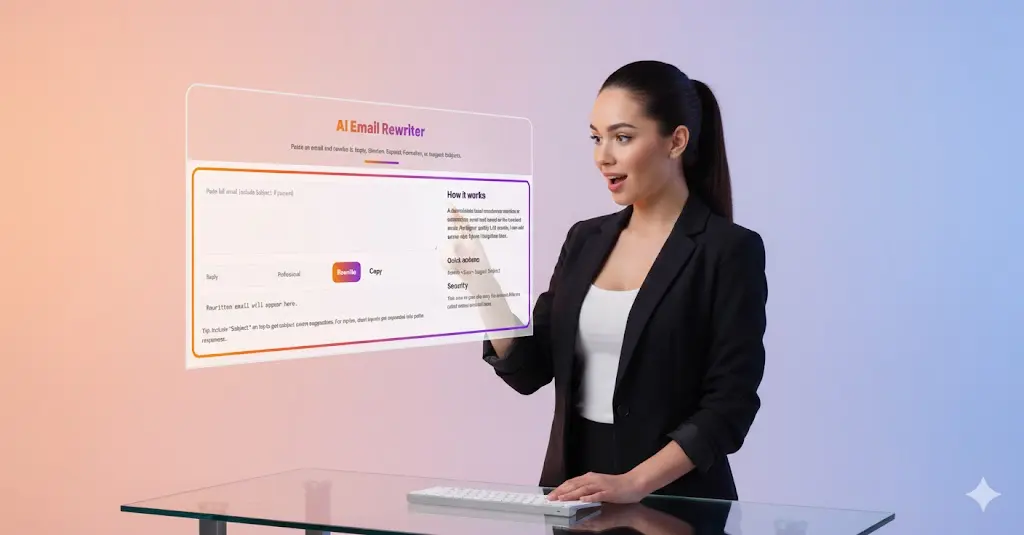
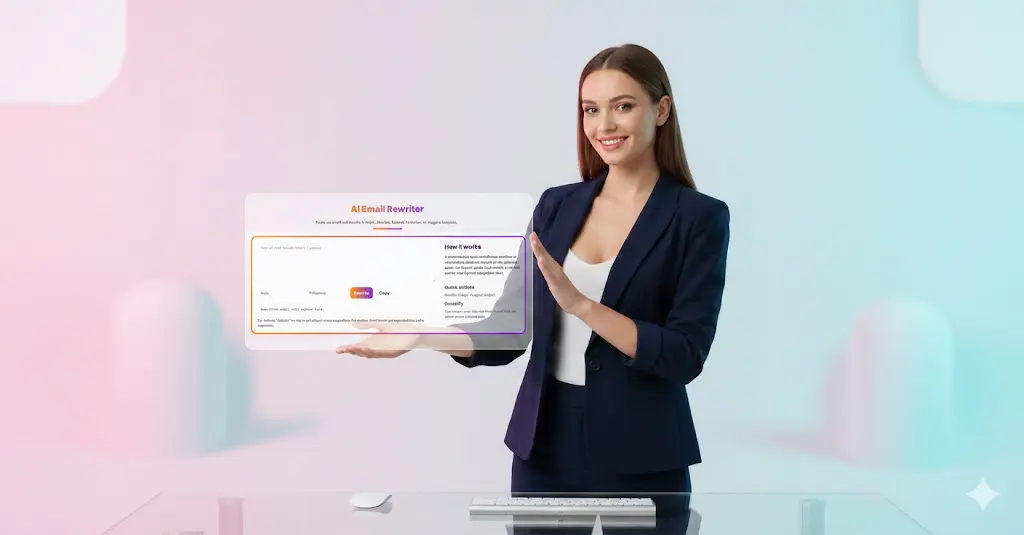
AI Email Rewriter
Paste an email and rewrite it: Reply, Shorten, Expand, Formalize, or suggest Subjects.
How it works
A deterministic local transformer rewrites or summarizes email text based on the selected mode. For higher-quality LLM results, I can add server-side OpenAI integration later.
What is an AI Email Rewriter?
An AI Email Rewriter is a smart writing tool that uses artificial intelligence to automatically rewrite, enhance, and optimize email content. Simply paste your email text, select your desired transformation mode (Reply, Shorten, Expand, or Formalize), and receive polished, professional email content instantly.
Key Features That Set Our Tool Apart
Multiple Rewriting Modes
- Reply Mode: Generate contextually appropriate responses to incoming emails
- Shorten Mode: Condense lengthy messages into concise, impactful communications
- Expand Mode: Transform brief notes into comprehensive, detailed emails
- Formalize Mode: Convert casual language into professional business correspondence
Intelligent Subject Line Suggestions Our tool analyzes your email content and automatically generates relevant, attention-grabbing subject lines. Simply include “Subject:” at the top of your pasted email to receive smart suggestions.
Professional Tone Adjustment Choose from various tone options including Professional, Friendly, or Custom to match your communication style and audience expectations.
Lightning-Fast Processing Powered by deterministic local transformers, our tool processes emails in seconds without compromising quality.
Privacy-First Design Your email content stays secure. The tool runs entirely on your device with no external API calls unless you enable advanced features, ensuring your sensitive business communications remain private.
How to Use the AI Email Rewriter
- Paste Your Email: Copy and paste the full email content into the input field. Include the subject line if you want subject suggestions.
- Select Rewriting Mode: Choose from Reply, Shorten, Expand, or Formalize based on your needs.
- Choose Tone: Select Professional, Friendly, or another tone that matches your communication style.
- Click Rewrite: Hit the button and receive your transformed email instantly.
- Copy and Send: Review the rewritten content, make any minor adjustments, and copy it to your email client.
Why Use an AI Email Rewriter?
Save Time: Stop staring at blank screens. Generate professional email drafts in seconds rather than spending minutes or hours crafting messages.
Improve Communication Quality: Ensure every email is clear, professional, and appropriately toned for your audience, reducing misunderstandings.
Overcome Writer’s Block: Never struggle with phrasing or structure again. Let AI handle the heavy lifting while you focus on the message.
Maintain Consistency: Keep a consistent professional voice across all your email communications, strengthening your personal or company brand.
Enhance Language Skills: Non-native English speakers can confidently compose professional emails with proper grammar and natural phrasing.
Adapt to Different Contexts: Easily switch between formal business proposals and friendly colleague check-ins without mental code-switching fatigue.
Best Practices for Email Rewriting
For Professional Replies: Include relevant context from the original email to ensure your AI-generated response addresses all points raised.
For Shortening: The tool excels at reducing 3-5 paragraph emails to concise, action-oriented messages that respect recipients’ time.
For Expanding: Start with bullet points or brief notes. The expander transforms them into well-structured, complete emails.
For Formalizing: Perfect for converting quick Slack messages or casual notes into board-ready communications.
Subject Line Tips: Always include the original subject when pasting emails for replies. For new emails, describe the topic briefly to get relevant suggestions.
Who Benefits from This Tool?
- Business Professionals: Draft proposals, meeting follow-ups, and client communications efficiently
- Customer Service Teams: Respond to inquiries quickly while maintaining brand voice
- Sales Representatives: Personalize outreach at scale without sacrificing quality
- Job Seekers: Perfect cover letters, follow-up emails, and networking messages
- Non-Native English Speakers: Communicate confidently with native-level fluency
- Busy Executives: Delegate email drafting while maintaining your voice
- Students and Academics: Compose professional emails to professors and colleagues
Technical Advantages
Our AI Email Rewriter utilizes advanced natural language processing with a deterministic local transformer model. This approach ensures consistent, high-quality results while maintaining fast processing speeds. For users requiring even more sophisticated output, optional server-side OpenAI integration can be enabled.
Privacy and Security Commitment
We understand that email often contains sensitive information. That’s why our tool:
- Processes content locally on your device by default
- Never stores your email content on our servers
- Doesn’t require account creation or login
- Only connects to external services when you explicitly enable advanced features
- Operates with complete transparency about data handling
Get Started Today
Stop struggling with email writing. Whether you need to craft the perfect reply, polish your tone, or simply save time, our AI Email Rewriter gives you professional-quality emails in seconds. Best of all, it’s completely free to use.
Paste your email above and experience the difference intelligent email assistance makes in your daily communication.

Frequently Asked Questions (FAQ)
Q: What is an AI Email Rewriter?
A: An AI Email Rewriter is an intelligent tool that uses artificial intelligence to automatically rewrite, enhance, and optimize email content based on your selected mode (Reply, Shorten, Expand, or Formalize). It helps you save time and improve the quality of your email communications.
Q: Is the AI Email Rewriter free to use?
A: Yes, our AI Email Rewriter is completely free to use with all core features including Reply, Shorten, Expand, and Formalize modes, plus subject line suggestions.
Q: How does the Reply mode work?
A: Reply mode analyzes the email you paste and generates a contextually appropriate response. For best results, include the full original email with subject line. If you provide brief input, the tool expands it into a polite, complete response.
Q: Can I use this tool for professional business emails?
A: Absolutely. The tool is specifically designed for professional communication. The “Professional” tone setting ensures your emails maintain business-appropriate language and formatting.
Q: Is my email content secure and private?
A: Yes. By default, the tool runs entirely on your device using local processing. No external API calls are made unless you enable advanced features. Your email content is never stored on our servers.
Q: What’s the difference between the different rewriting modes?
A: The four modes serve different purposes:
- Reply: Generates responses to incoming emails
- Shorten: Condenses long emails into concise messages
- Expand: Develops brief notes into detailed, complete emails
- Formalize: Converts casual language into professional business tone
Q: How do I get subject line suggestions?
A: Include “Subject:” followed by the subject line at the top of your pasted email. The tool will analyze the content and suggest relevant, improved subject lines.
Q: Does this tool work for languages other than English?
A: Currently, the tool is optimized for English language emails. Support for additional languages may be added in future updates.
Q: Can I customize the tone of the rewritten email?
A: Yes. You can select from different tone options including Professional, Friendly, and other styles to match your communication needs and audience.
Q: What is the “deterministic local transformer” mentioned?
A: This refers to the AI technology that powers the tool. It’s a type of machine learning model that processes text locally on your device, ensuring fast, consistent results without sending your data to external servers.
Q: How long does it take to rewrite an email?
A: Most emails are rewritten in just a few seconds, depending on the length and complexity of the content.
Q: Can I edit the rewritten email before sending?
A: Yes. The tool provides a rewritten version that you can review, edit, and customize before copying it to your email client. Think of it as a smart first draft.
Q: What happens when I click the Copy button?
A: The Copy button copies the rewritten email to your clipboard, making it easy to paste directly into Gmail, Outlook, or any other email client.
Q: Is there a limit to how many emails I can rewrite?
A: There are no artificial limits on the number of emails you can rewrite using our free tool.
Q: Do I need to create an account to use the tool?
A: No account creation is required. Simply paste your email and start rewriting immediately.
Q: Can this tool help non-native English speakers?
A: Yes. The AI Email Rewriter is particularly valuable for non-native English speakers, helping them compose grammatically correct, naturally phrasing professional emails.
Q: What’s the maximum email length the tool can handle?
A: The tool can handle typical business emails effectively. Very long documents (multiple pages) may be better suited to document editing tools rather than email rewriters.
Q: Will the rewritten email sound robotic or artificial?
A: No. Our AI generates natural-sounding, human-like text that maintains conversational flow while ensuring professional quality.
Q: Can I use this for personal emails too?
A: While optimized for professional use, the tool works equally well for personal emails, especially when you want to ensure clear, well-written communication.
Q: What should I do if the rewritten email doesn’t match my needs?
A: You can click Rewrite again for a fresh version, manually edit the output, or adjust your input and tone selection for better results.
Related Tools and Directory
- Income Tax Calculator
- Tools Directory Overview
- Free Online tools Hub
- Advance Tax Interest Calculator
- GST Calculator
- HRA Exemption Calculator
- TDS Deduction Estimator — Salary (Monthly Estimate)
- Income Tax Slab Comparison
- Gratuity Calculator
- EPF Contribution Calculator
- Simple EMI Calculator
- Advance Term Loan EMI Calculator
- Car Loan EMI Calculator
- Personal Loan EMI Calculator
- Home Loan EMi Calculator
- SIP Calculator
- SIP Goal Calculator
- CAGR Calculator
- XIRR Calculator
- SWP Calculator
- STP Calculator
- Free Lumpsum Investment Calculator: Maximize the Future Value
- CSV to JSON Converter
- QR Code Generator
- CSV to Excel Converter
- Base64 Encoder/Decoder
- Regex Tester
- JSON Formatter & Validator
- UUID Generator
- Strong Password Generator
- Lorem Ipsum Generator
- URL Encoder & Decoder
- HTML escape-unescaped tools
- JPG to PDF Converter
- PDF to JPG Converter
- PDF Compressor
- PDF Merge
- Case Converter
- Break-Even Calculator
- ROI Calculator
- Free Profit Margin Calculator – Calculate Profit Margins Instantly
- Startup Runway & Burn Rate Calculator – Calculate Cash Runway Free
- Free Working Capital Calculator | Free Tool- ToolSuite.in
- Vendor Payment Terms Calculator | APR & Discount Analyzer Free
- Simple Cap Table Builder | Free Equity & Ownership Calculator
- AI Email Writer – Free Online Email Generator for Emails
- Explore more tools for Finance & Tax and SEO on TaxBizmantra.com & CAMSROY.COM